Keep Track of Every Document Version with autosign
February 10, 2026
Which version is currently valid? Has it already been signed? And what changes were made recently? The autosign signature solution displays all document versions clearly and makes them accessible at any time.
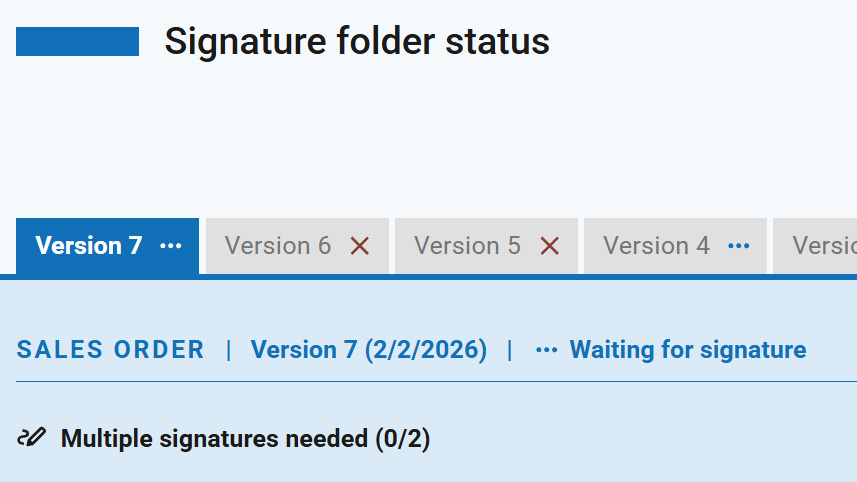
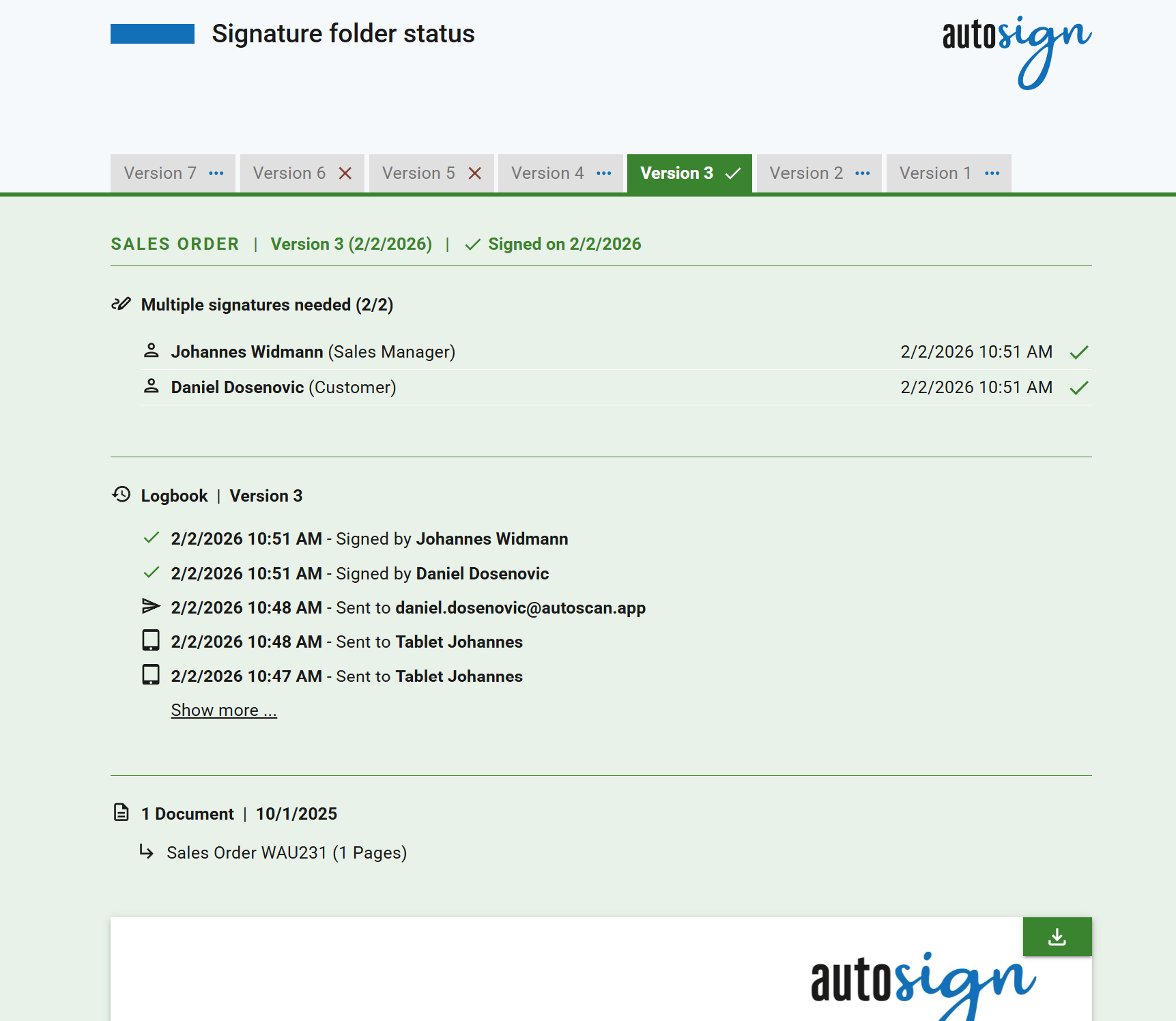
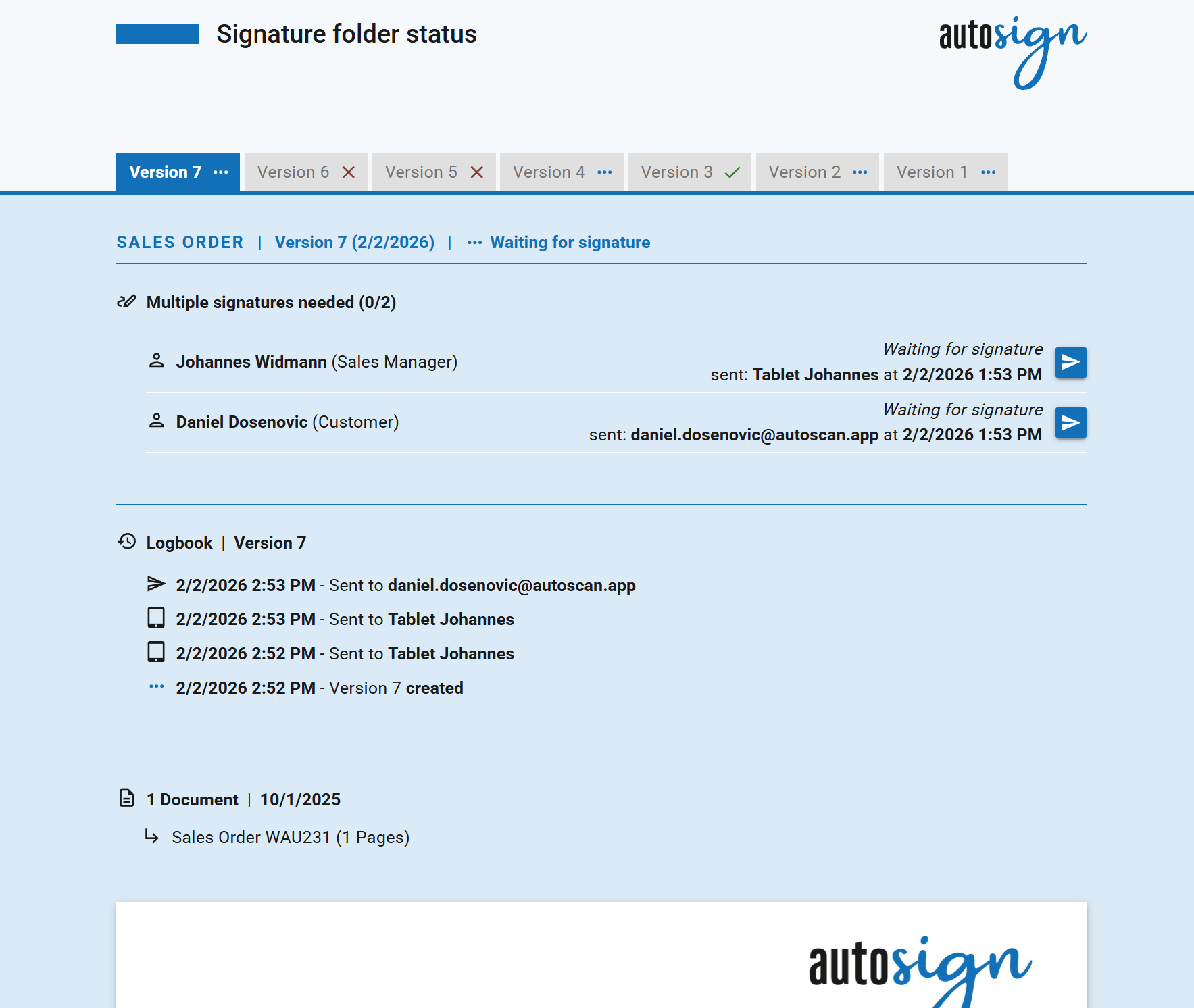
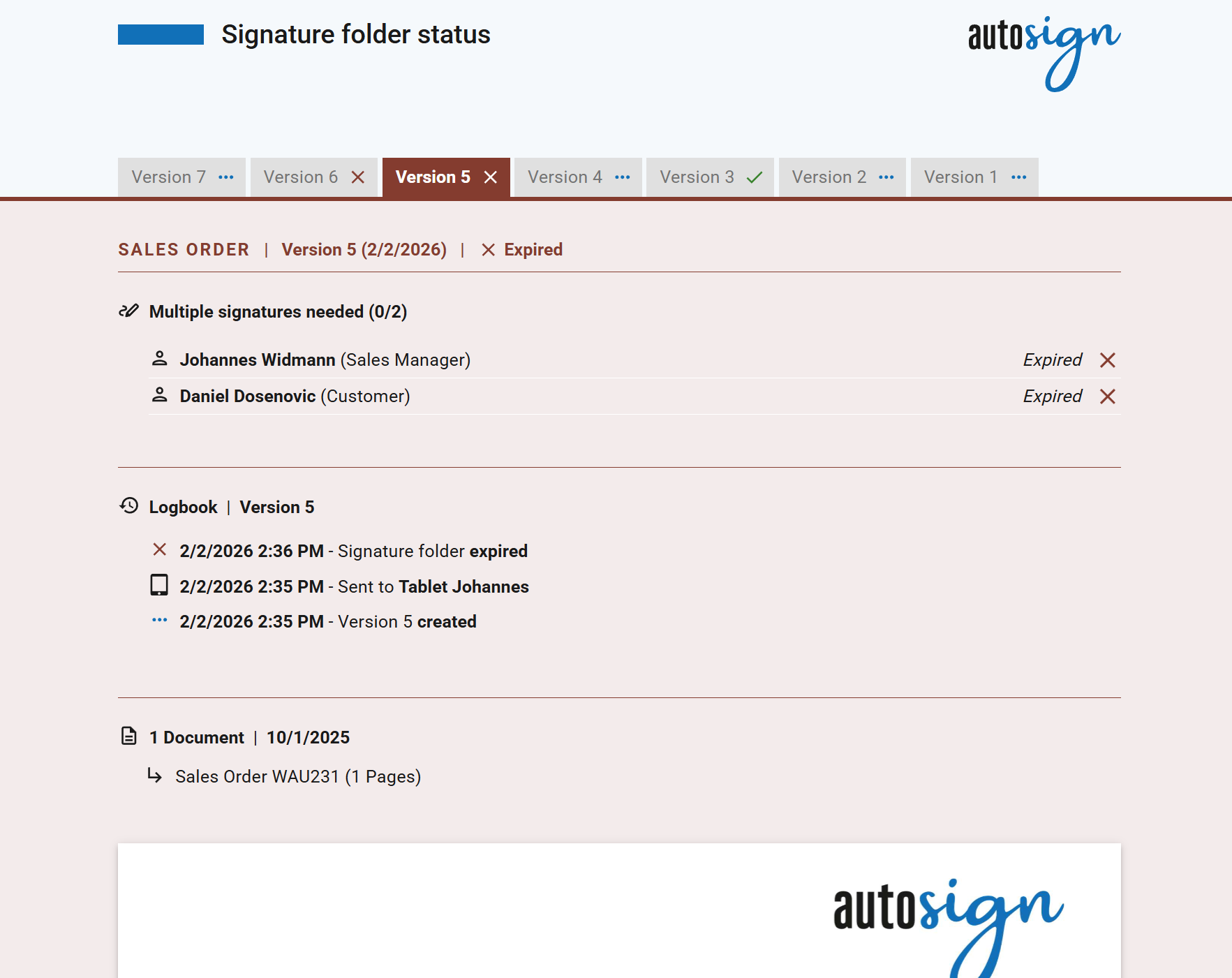
All versions of a document are available directly on the autosign status page. Clear, easy-to-read tabs show at a glance which version is currently valid, whether it has already been signed, and which previous versions exist.
For quick orientation, autosign uses a clear color-coding system:
Green: already signed
Blue: current version, not yet signed
Red: no longer valid or expired version
Green: already signed
Blue: current version, not yet signed
Red: no longer valid or expired version
Why All Document Versions Are Visible
In many situations, it is crucial to know which version is valid – and what has changed since the last revision.
A practical example: A customer signs a service order for their car directly at the workshop on a tablet. While working on the vehicle, the technician discovers that additional services are required. The customer then receives an updated service order by email, signs it electronically at home – and this version is automatically marked as the current valid one in autosign (as well as in the connected business software).
Fewer Questions, Greater (Legal) Clarity
Whether in the workshop, the office, or out in the field: with autosign, it is always clear which version counts. Changes, signatures, and versions are transparently documented – no follow-up questions, no searching, no uncertainty.
This not only brings clarity to day-to-day work, but also supports companies in legal matters, audits, and internal reviews.
It saves time, prevents misunderstandings – and makes electronic signatures exactly as simple as they should be.