New feature: Upload any PDF and sign it electronically
June 29, 2026
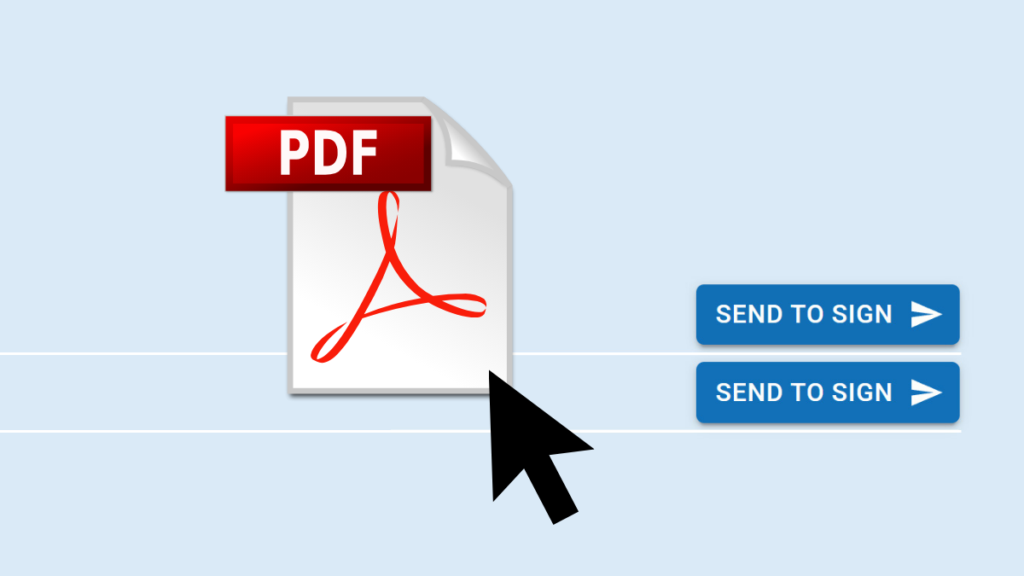
With the new Drag & Sign feature, autosign now lets you upload any PDF and collect electronic signatures — no integration with your business software required.
How it worked before
Until now, signing documents in autosign required a direct integration between autosign and your business software. And for good reason: a direct integration means documents move seamlessly between your business software and autosign, keeping everything in sync. But setting it up takes effort, and not every system supports it out of the box.
Drag & Sign is the solution for exactly those cases.
Drag & Sign: upload any PDF, sign in seconds
It’s as simple as it sounds:
Drag a PDF from your file explorer into autosign.
Specify who needs to sign.
Optionally add more documents – terms and conditions, attachments, whatever’s needed.
From there, you have two options: the recipient signs directly on a tablet, or autosign sends the document via email and they sign remotely.
One less integration to worry about
With Drag & Sign, you no longer need a dedicated integration between autosign and your business software just to get documents signed. This is especially handy for companies running multiple systems – instead of connecting autosign to each one individually, you can simply upload and go.
Built to be easy
As with everything in autosign, the focus was on keeping things simple and intuitive. From upload to signature – or to hitting send – it’s just a few clicks.